
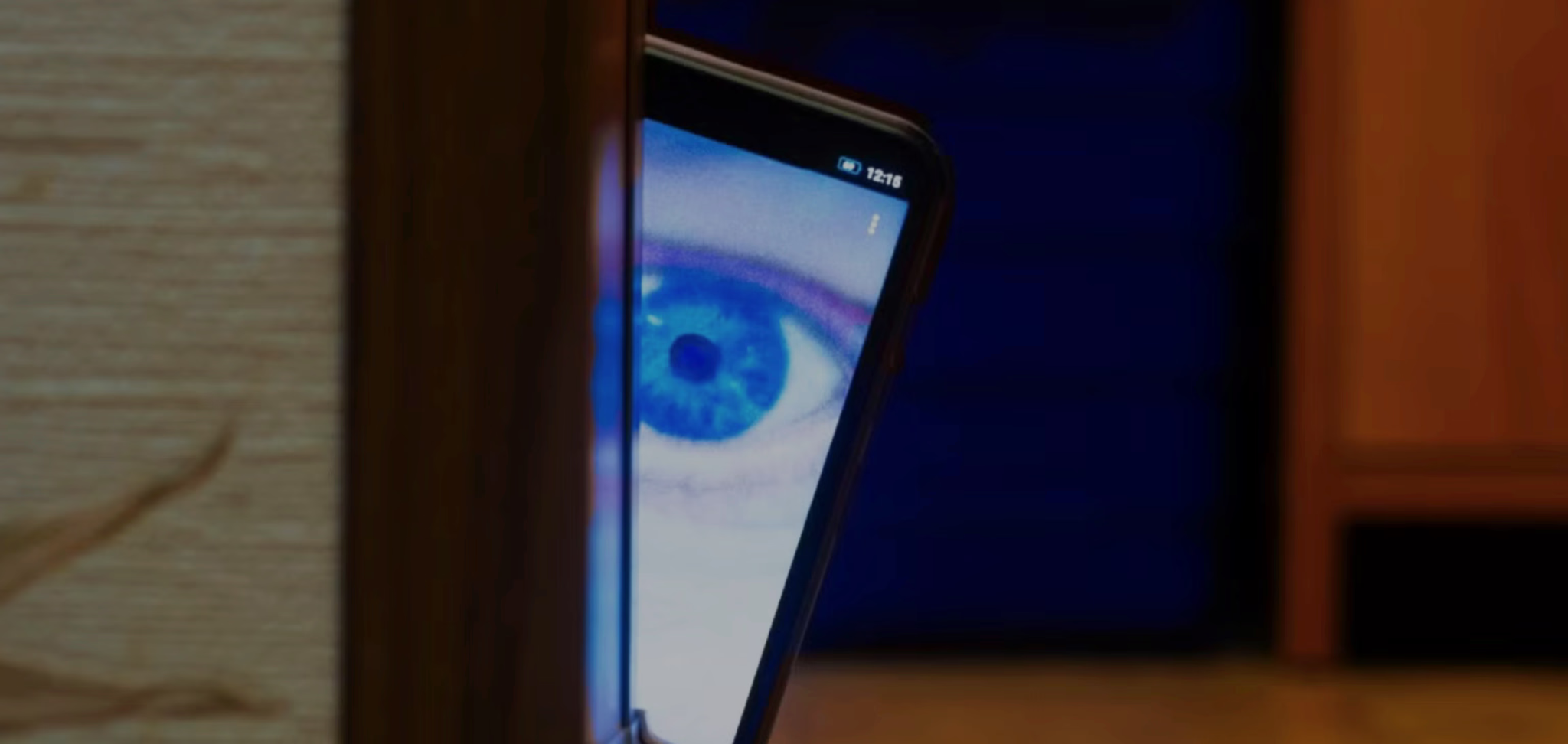

# Is Someone Spying on My Phone? 15 Signs & How to Detect and Remove Spyware in 2026
In 2026 spyware and stalker ware are more sophisticated than ever capable of secretly monitoring calls texts location camera and even microphone without you noticing. Whether from a jealous partner overzealous employer or cybercriminal phone spying is a real threat.
The good news? Most spyware leaves subtle clues. This guide reveals 15 common signs your phone might be compromised plus proven ways to detect and remove it safely
Important Note
If you suspect illegal spying (e.g. domestic abuse) contact authorities or hotlines immediately. This article is educational—removing spyware yourself is best-effort; professionals can confirm advanced threats.
15 Key Signs Your Phone Is Being Spied On in 2026

1. Unusual Battery Drain — Spyware runs in the background causing faster drain even when idle.
2. High Data Usage — Hidden apps upload your data secretly—check settings for spikes.
3. Phone Overheating — Constant processing (e.g. recording) makes it warm without use.
4. Strange Noises During Calls — Clicks echoes or static can indicate interception.
5. Slow Performance — Lag freezes or crashes from resource-hogging malware.
6. Unknown Apps or Icons — Look for disguised spyware (e.g. system updates).
7. Pop-ups or Weird Texts — Random ads coded messages from unknown numbers.
8. Camera/Microphone Activating Randomly — LED lights up without reason.
9. Location Tracking Errors — Apps show wrong location or GPS always on.
10. Increased Background Activity — Check battery/data stats for suspicious apps.
11. Messages/Calls You Didn’t Make — Logs show activity you don’t recognize.
12. Browser History You Didn’t Visit — Remote access leaves traces.
13. Apps Crashing Frequently — Conflicts with hidden monitoring tools.
14. Unexplained Reboots — Spyware restarting to evade detection.
15. Friends Receiving Odd Messages — From your account without your knowledge.
If you notice several of these act fast.
How to Detect Spyware on Android
– Go to Settings > Apps > See all apps → Look for unfamiliar ones (sort by install date).
– Check Settings > Battery > Battery usage → Spot high consumers.
– Install reputable antivirus like Malwarebytes Avast or Clario → Run full scan.
How to Detect Spyware on iPhone
– Check Settings > General > iPhone Storage → Unknown profiles/apps.
– Settings > Privacy & Security → Look for unusual permissions.
– Use apps like Certo or iVerify for stalkerware scans.
– Watch for “MDS” or config profiles (Settings > General > VPN & Device Management).
How to Remove Spyware Safely
1. Update Your OS — Patches vulnerabilities.
2. Uninstall Suspicious Apps — Force stop first then remove.
3. Run Antivirus Scan — Quarantine/delete threats.
4. Factory Reset as Last Resort — Back up clean data first (Settings > Reset).
5. Change All Passwords — Use a secure device.
6. Enable 2FA Everywhere.
For advanced/jailbroken/rooted threats basic removal might not suffice.
The Professional Solution: Confirm & Eliminate Hidden Threats Remotely
Many modern spyware (2026 variants) are designed to evade standard detection hiding deep in the system.
If you’re unsure or need 100% confirmation professional remote phone analysis services can scan and remove threats without you touching the device (or risking further exposure).
Experts use proprietary tools to detect even zero-click exploits.
Conclusion: Stay Vigilant in 2026
Spotting spyware early protects your privacy. Follow the signs and steps above but for peace of mind against stealthy threats professional help is unbeatable.
At hireaphonehacker.world we offer remote spyware detection and removal discreet thorough and guaranteed.
Suspect spying? [Contact Us Now]